Quick Overview
You turn a practitioner website into a client acquisition system by connecting it to everything that happens after someone visits. A brochure website waits to be contacted. A connected website attracts the right people, gives visitors who are not ready to book a useful next step, records every enquiry in one place, follows up on its own, makes booking easy, sends reminders, and keeps the relationship going after the appointment. The website becomes the front door to a journey, not the whole building. The seven stages below show how each part connects.
You can have a beautifully designed website and still have a weak marketing system.
Picture what happens on yours today. Someone arrives. They read a page or two. Then they either click Book Now, or they leave.
If they leave, that is usually the end of it. You never knew they were there, and they have no reason to come back.
Your website is doing part of its job. The real opportunity is to connect it to the rest of the client journey.
Is your website a brochure or a working part of your practice?
A brochure website describes your practice and waits. A working website moves each visitor toward a sensible next step and hands them on to the rest of your practice systems. The difference is not how the site looks. It is what happens after someone arrives.
Here is the same visit, two ways:
| On a brochure website | On a connected website |
|---|---|
| A visitor lands on the site | A visitor enters a planned journey |
| They read about your services | They find a page that speaks to their situation |
| They fill in a contact form | Their enquiry is recorded against a contact record |
| You receive an email | You can see who they are and what they asked |
| You reply when you can | A warm acknowledgement goes out straight away |
| They may forget about your practice | Helpful emails keep the conversation going, with their consent |
| Booking happens somewhere else | Booking is part of the same system |
| A past client quietly disappears | They stay in touch through your newsletter or a program |
What is an automated client acquisition system?
It is a connected pathway that helps the right people find your practice, gives them a clear next step, follows up for you, and makes it easy to book. "Automated" simply means the routine steps happen on their own, so fewer people are lost while you are busy with clients.
The phrase sounds more technical than it is. Put plainly, it is the journey a new client already takes, with the gaps filled in:
Google, social media or a referral, then your website, then a service or educational page, then an enquiry or free guide, then a contact record, then follow-up by email or text message, then a booking, a reminder, the consultation, a review invitation and staying in touch.
Your website sits near the start of that journey. Everything after it is what turns a visit into a client.
From first search to returning client
Search, social or referral
Your website
The front doorEnquiry or free guide
Contact record
Follow-up
Booking
Reminder
Consultation
Review and staying in touch
The website starts the journey. The system finishes it.

What are the seven stages that turn a website into a system?
The seven stages are: attract the right people, capture visitors who are not ready to book, record every enquiry in one place, follow up automatically, make booking easy, send confirmations and reminders, and continue the relationship after the appointment.
Stage one: attract the right people
The aim is not more visitors. It is more of the right visitors.
That comes from pages written around the people you most want to work with: a clear page for each service or area of focus, useful educational articles, and a Google Business Profile that matches what your website says. When those line up, the people who find you are far more likely to be people you can help.
Stage two: capture visitors who are not ready to book
Most visitors are interested but not ready. If Book Now is the only option, they leave.
Give them a smaller step. A free guide, a short quiz or a helpful resource lets someone say "not yet, but stay in touch". That one step is often the difference between a visitor who vanishes and a person you can keep helping.
Stage three: record every enquiry in one place
An enquiry that lands in a busy inbox is easy to lose. An enquiry that creates a contact record, in what is often called a CRM, stays visible.
You can see who the person is, what they asked, which guide they downloaded and what has happened since. Nothing relies on you remembering.
Stage four: follow up automatically
This is where the system starts working for you. A warm acknowledgement goes out the moment someone enquires. A person who downloads your guide receives a short series of helpful emails. Someone who enquired but has not booked gets a gentle invitation.
Every message is written in your voice and only goes to people who have agreed to hear from you.
Stage five: make booking easy
The shorter the path between "I am interested" and "I am booked", the fewer people drop away. When your booking calendar is part of the same system as your website, a visitor can go from reading to booked without being sent somewhere unfamiliar.
Stage six: send confirmations and reminders
Confirmations and reminders by email or text message go out on their own. They cannot guarantee attendance, but they do make it easier for people to turn up, and they take a repetitive job off your plate.
Stage seven: continue the relationship
After the appointment, the journey carries on. A neutral invitation to leave a review, with no incentive offered. A newsletter worth reading. News of a program or workshop when it is relevant. Past clients stay in touch and can return when the time is right for them.
Seven stages from website to system
- 1
Attract the right people
- 2
Capture visitors who are not ready to book
- 3
Record every enquiry in one place
- 4
Follow up automatically
- 5
Make booking easy
- 6
Send confirmations and reminders
- 7
Continue the relationship
Each stage hands on to the next.
Every practitioner I work with has the potential to transform lives. My role isn't just teaching marketing. It's about creating a movement where ethical, effective healthcare marketing becomes the norm, not the exception.
What does this look like for different practitioners?
The stages are the same for every practice, but the journey looks different depending on how you work. The examples below are illustrative marketing journeys, not real clients, and they describe how people find and book a practitioner, not the results of any care.
| Practice | An illustrative journey |
|---|---|
| A naturopath | A visitor reads a page about digestive health, downloads a free guide, receives a short series of helpful emails and is invited to book an initial consultation |
| A nutritionist | A visitor looks at a nutrition program, sends an enquiry, receives a confirmation straight away and a follow-up inviting them to a program conversation |
| A herbalist | Someone nearby finds the practice on Google, reads a service page, books online and receives a confirmation and reminder |
| An established practitioner | A past client stays on the newsletter list, keeps receiving useful articles and returns when they are ready |
| A practitioner who runs programs | Someone registers interest in a workshop and automatically receives the details and next steps |
Why is connecting separate apps not the same thing?
You can build this journey by linking several separate apps, but every link is something to set up, check and repair. A single connected platform holds the whole journey in one place, so there are far fewer links to maintain.
I have written before about the hidden cost of disconnected marketing tools, and about how quickly software subscriptions add up in a practice.
The short version: seven stages run by seven different tools means a lot of hand-overs, and each hand-over is a place where someone can be lost. Most practices do not have a marketing problem. They have a disconnected-systems problem.
Curious what your own gap looks like?
Our free Marketing Gap Calculator gives you a quick picture of the bookings your practice may be missing when follow-up relies on memory. It takes a couple of minutes.
How does PractitionerPro bring it together?
PractitionerPro builds your website and the seven stages behind it as one connected system, on one platform, with one login. It is powered by HighLevel's established contact record and marketing automation technology, and configured specifically for natural health practitioners.
This is where PractitionerPro differs from a website design service. We do not hand over a website and wish you well. The website is the front door, and we build the rest of the building with it.
HighLevel gives PractitionerPro the underlying technology. You may also see it called GoHighLevel. It is the same platform. PractitionerPro adds the strategy that makes that technology useful to a natural health practice: the website structure, the practitioner-specific messaging, the client journeys, the contact record set-up, the booking pathways, the automations and the ongoing marketing framework.
One thing stays outside the system on purpose. Your clinical notes and client health records remain in your practice management software, where they belong. And some specialist tools may still earn their place. The aim is a connected journey, not replacing everything you use.
Brochure, or front door?
A brochure website
It waits to be contacted
A connected website
It leads somewhere
Why not simply buy HighLevel yourself?
You can, but you would be buying the technology, not the system. HighLevel is built for marketing agencies and arrives as a powerful, empty workshop. Strategy, website structure, words, journeys and set-up are what turn it into something a practice can use.
Software cannot decide which pages your website needs, what your free guide should cover, or whether your wording sits within advertising rules. That is the part we do with you:
- Strategy first. One live session to capture your story, your clients, your services and your voice.
- Written for you. Your website, free guide and welcome newsletters, written in your voice and checked against advertising rules before anything goes live.
- Built and connected. Website, bookings, guide, newsletters and programs set up on one platform, with your Google Business Profile aligned to match.
- Supported afterwards. An onboarding session, email support, a review call with me, and the Thriving Practitioners community included while you are with us.
You are not buying access to software. You are getting a practice-growth system that has already been designed around how natural health practitioners work.
From running a bustling 18-practitioner clinic in Melbourne to helping thousands of practitioners worldwide, my path taught me that success in natural health requires mastering both the art of healing and the science of attraction.
Is your website a brochure or a growth system?
Answer seven questions, one for each stage. Every "no" is a stage where your website is working alone, and a place where a connected system would do the work for you.
Set aside fifteen minutes this week and go through these in order:
- 1
Attract. Does your website have a clear page for each service or area of focus you most want to be known for?
- 2
Capture. Is there something useful a visitor can do if they are not ready to book?
- 3
Record. Does every enquiry land in one place where you can see its history?
- 4
Follow up. Does a new enquiry receive a reply within minutes, even when you are with a client?
- 5
Book. Can someone book from your website without being sent to an unfamiliar page?
- 6
Remind. Do confirmations and reminders go out without you sending them?
- 7
Continue. Is there a consistent step that invites a review and keeps past clients in touch?
| Stage | Yes or no | What happens now |
|---|---|---|
| 1. Attract | ||
| 2. Capture | ||
| 3. Record | ||
| 4. Follow up | ||
| 5. Book | ||
| 6. Remind | ||
| 7. Continue |
Seven yeses means your website is already a working part of your practice. Most practitioners I speak with find a few gaps, and that is a very fixable place to be.
Brochure or growth system? Seven questions
Attract: a clear page for each service?
Capture: a next step for visitors not ready to book?
Record: every enquiry in one place?
Follow up: a reply within minutes?
Book: booking from your website?
Remind: reminders sent for you?
Continue: reviews and staying in touch?
Frequently asked questions
Can you review how my website, bookings and follow-up connect?
Yes. Book a Free Practice Review. I look at your website and Google Business Profile before we talk, then we go through the seven stages together and see where your website, bookings, enquiries and follow-up connect and where they do not. It is a relaxed 30-minute conversation with no obligation.
Do I need a new website to do this?
Usually, yes. With PractitionerPro your website is built on the same platform as your bookings, guide and newsletters, which is what allows every stage to share one record. We always look at your current website first, and your existing words and story are the starting point, not something thrown away.
How long does it take to set up?
A PractitionerPro website is usually live about six weeks after your Blueprint session. That depends on both of us keeping to the review steps along the way, so it is a shared commitment.
Does this replace my practice management software?
No. Your clinical notes and client health records stay in your practice management software. PractitionerPro looks after the marketing and communication around the consultation: your website, enquiries, bookings, newsletters, follow-up and programs.
Will automation make my practice feel impersonal?
Not when it is done with care. Every message is written in your voice during set-up and approved by you before it goes live. Automation carries the routine steps so that your attention can go to the person in front of you. It does not replace you.
Is PractitionerPro just HighLevel with a different name?
No. HighLevel provides the technology. PractitionerPro provides the strategy, website, words, client journeys, set-up and ongoing support that turn that technology into a working system for a natural health practice.
Is your website actually working as a client acquisition system?
If the seven questions left you with a few gaps, I would be glad to look at them with you.
Book a Free Practice Review
See how PractitionerPro can simplify your practice marketing system. I will look at your website and Google Business Profile before we speak, then we will review how your website, bookings, enquiries, follow-up and marketing tools connect, and where a connected system would do the work for you.
It is free, it is friendly, and there is no obligation.
Warmly,
James BurginFounder, PractitionerPro and Thriving Practitioners. Former naturopath, clinic owner and creator of Metaphysical SEO.

About The Author
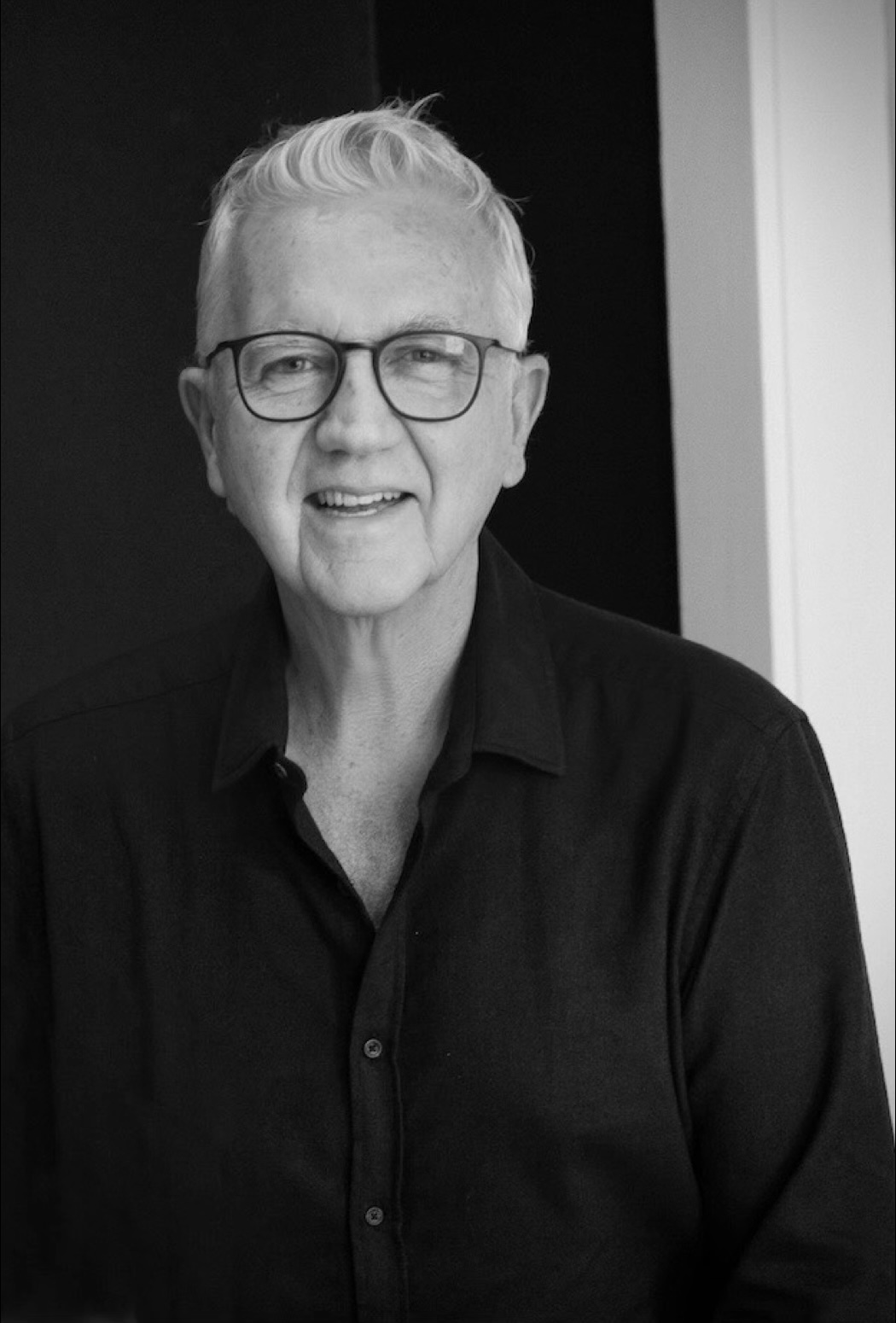
James Burgin
Founder, PractitionerPro and Thriving Practitioners
James is a naturopath turned digital marketer with 35+ years helping natural health practitioners get found by the people they trained to help. He founded Thriving Practitioners, a community and education platform for practitioners across Australia and New Zealand, and PractitionerPro, the practice growth platform built by practitioners, for practitioners. He lives in Bondi, Sydney.